P/03 · Plesk

Plesk WordPress Toolkit

Reframing a professional tool so people without administration experience could use it confidently.

RoleSenior UX/UI & Interactive Designer
Period2017–2021
Key signal1.8× audience growth in the first three months
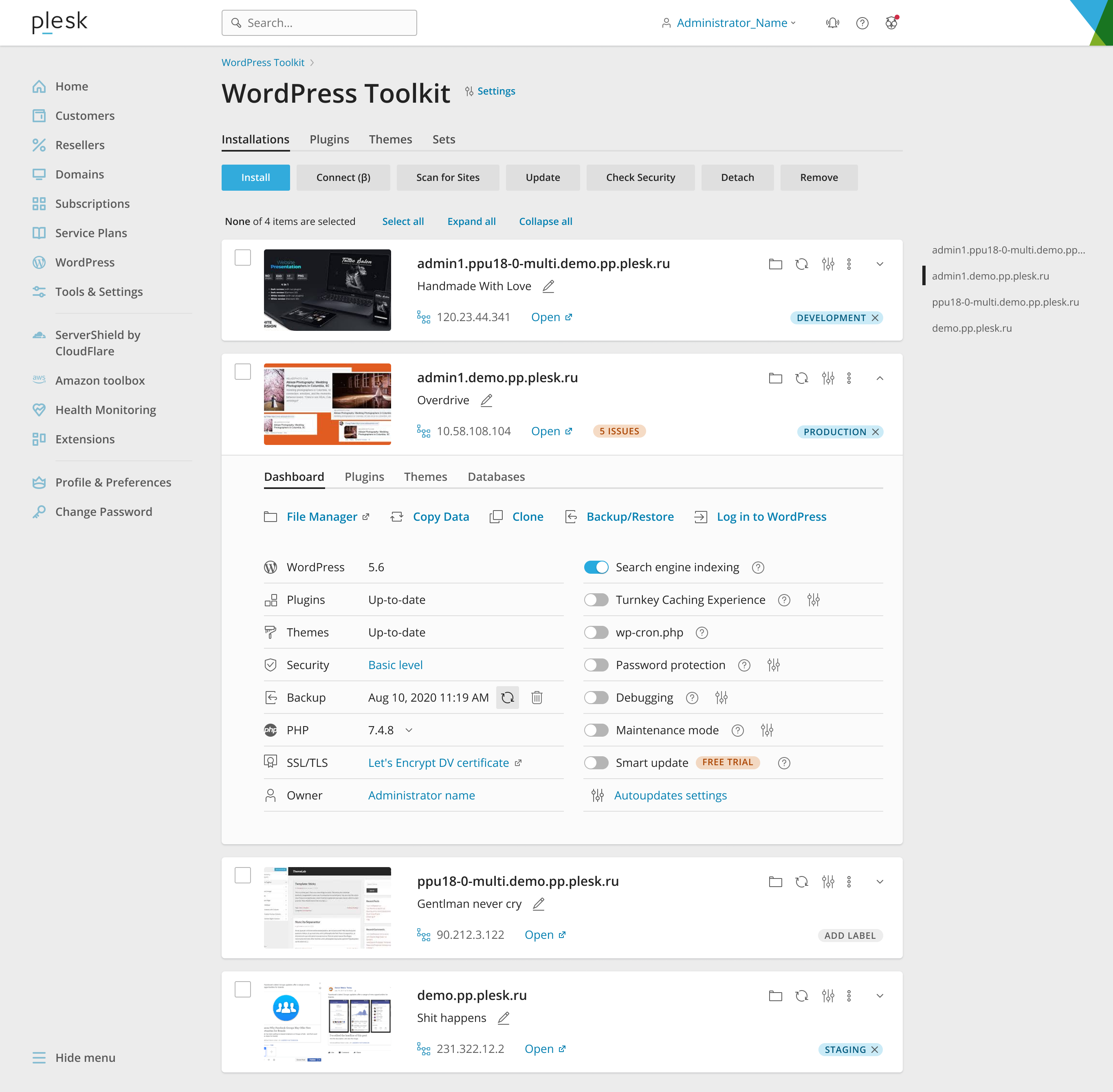
Full WordPress Toolkit interface with a website list and management panel

01

Context

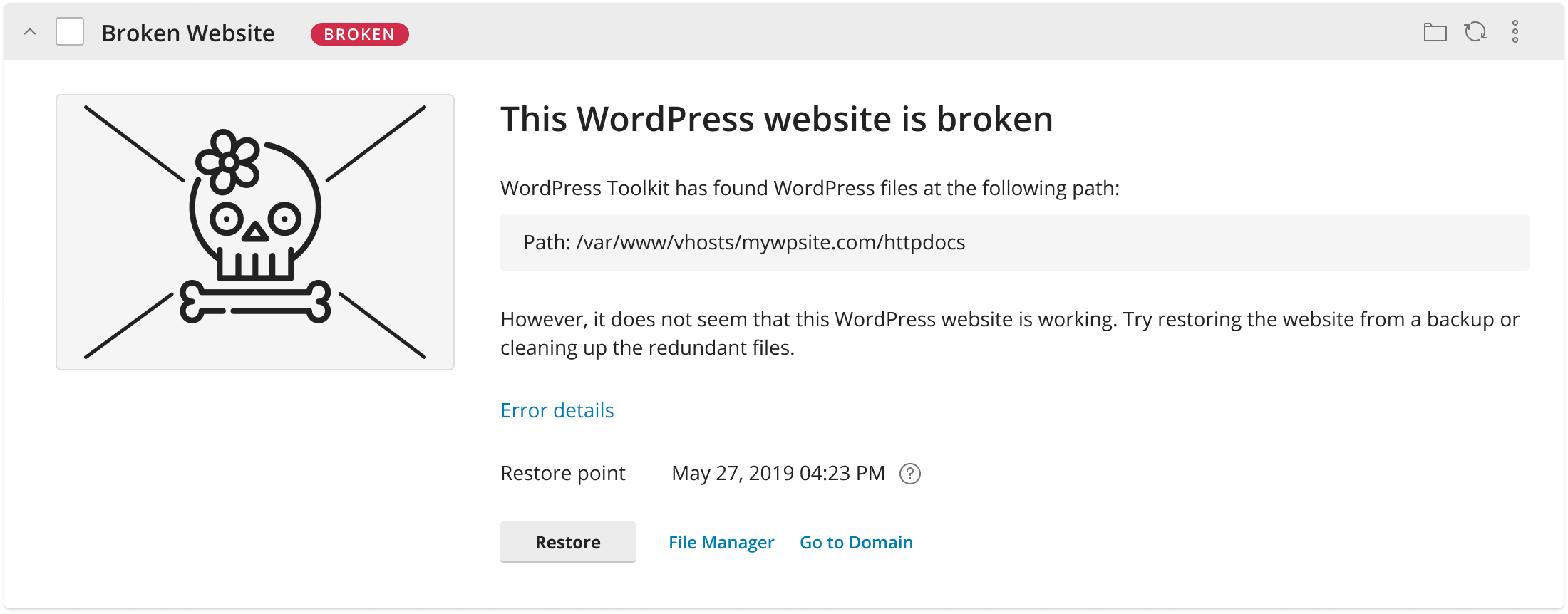
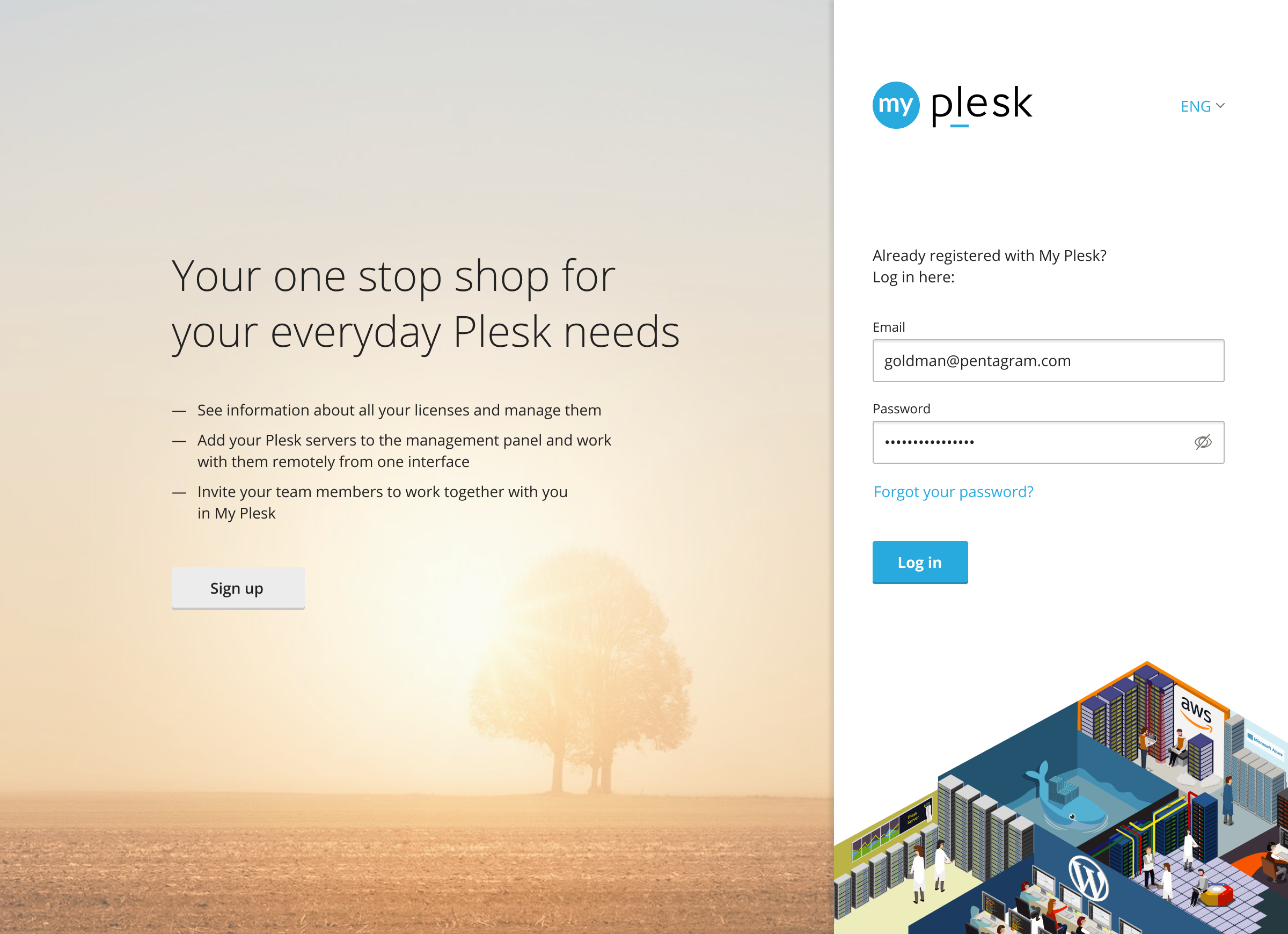
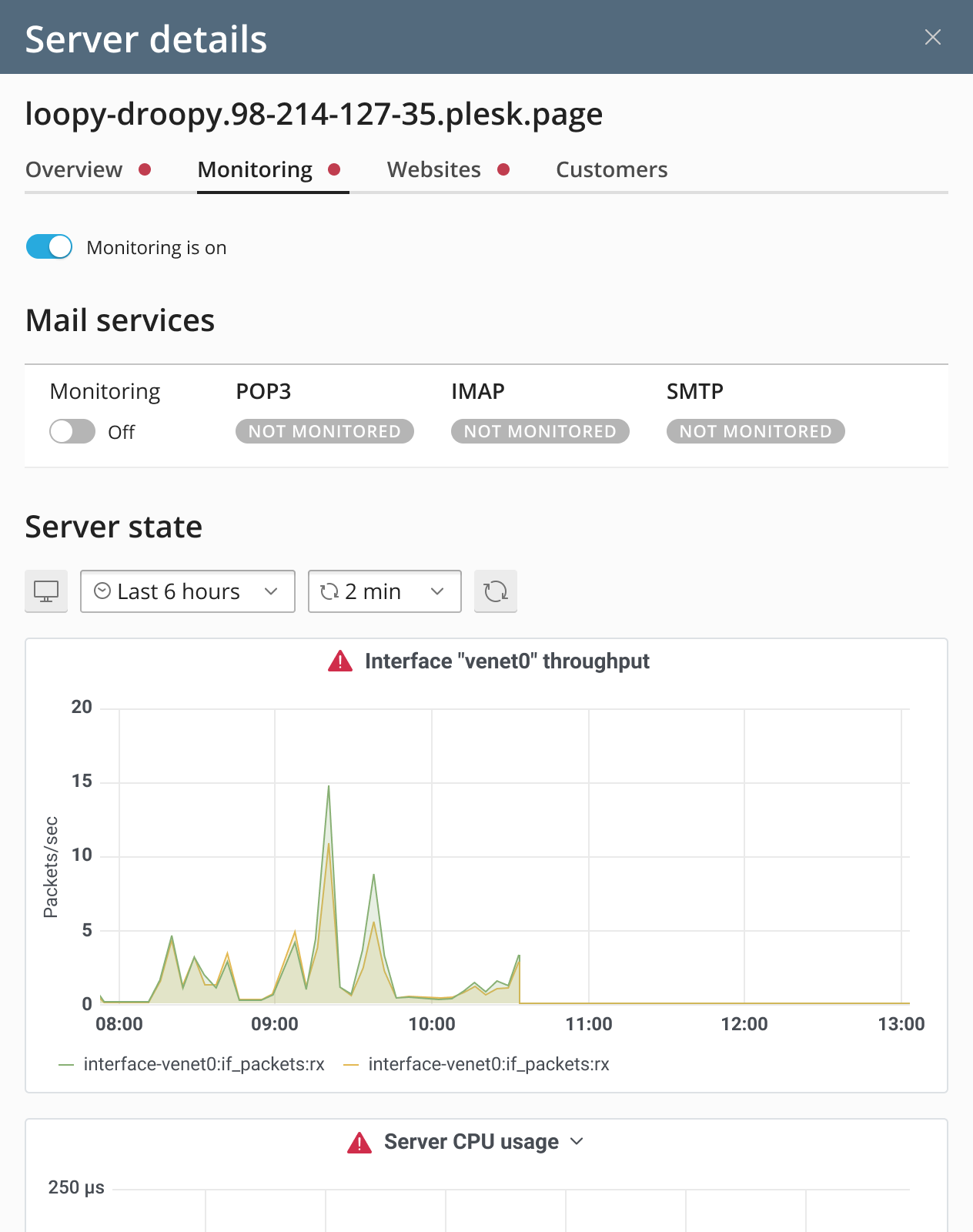
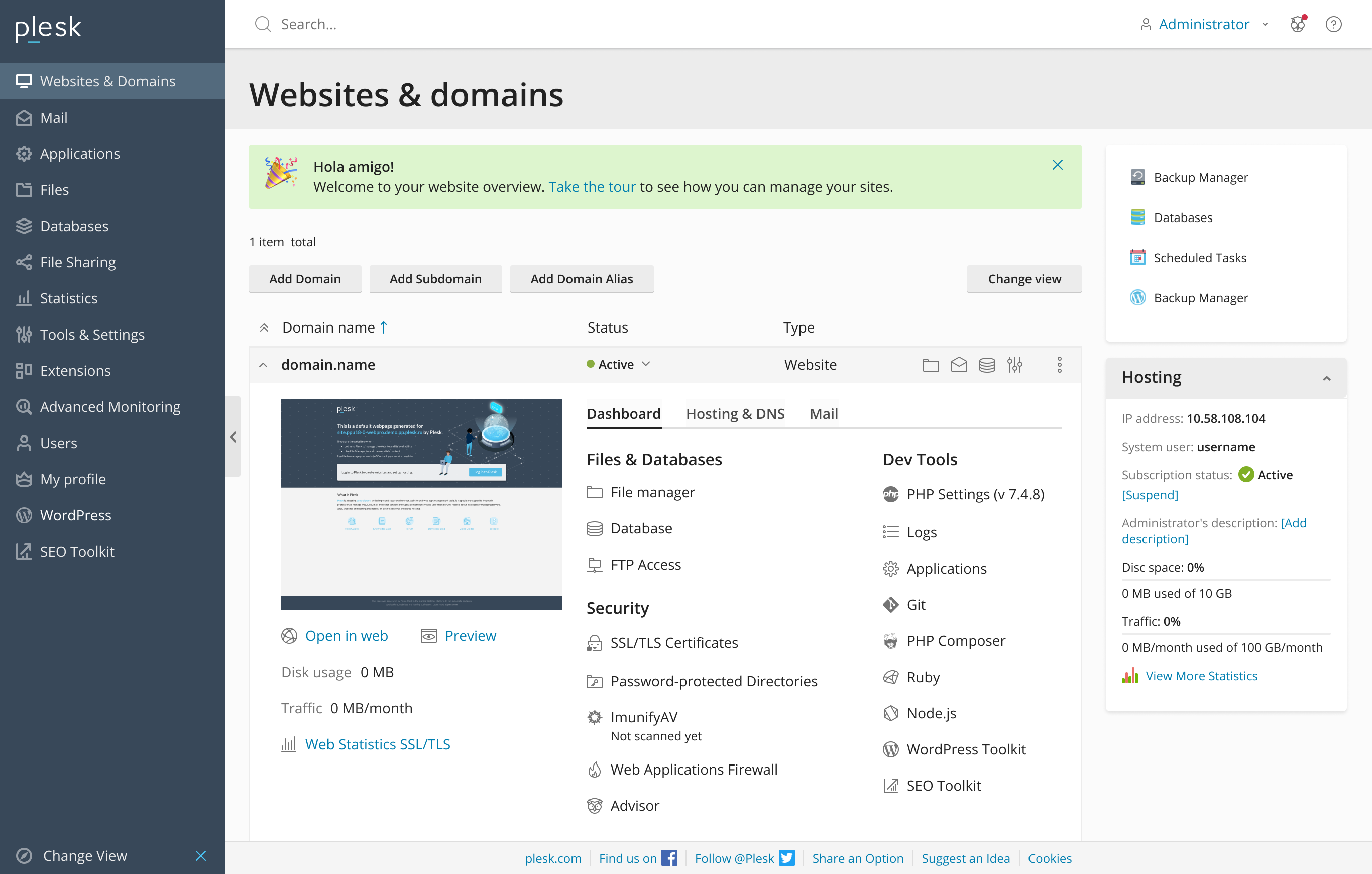
Web-resource control panels were traditionally made for professional administrators. Once a user managed more than two sites, it became difficult to understand which resource they were working with. During my time at Plesk, I designed a wide range of web-resource management services and features, including WordPress Toolkit, Websites & Domains, My Plesk, and server monitoring.
02

Challenge

Keep the product’s professional depth while making the structure, navigation, and state of every resource clear to a broader audience.

03

What I did

  1. 01

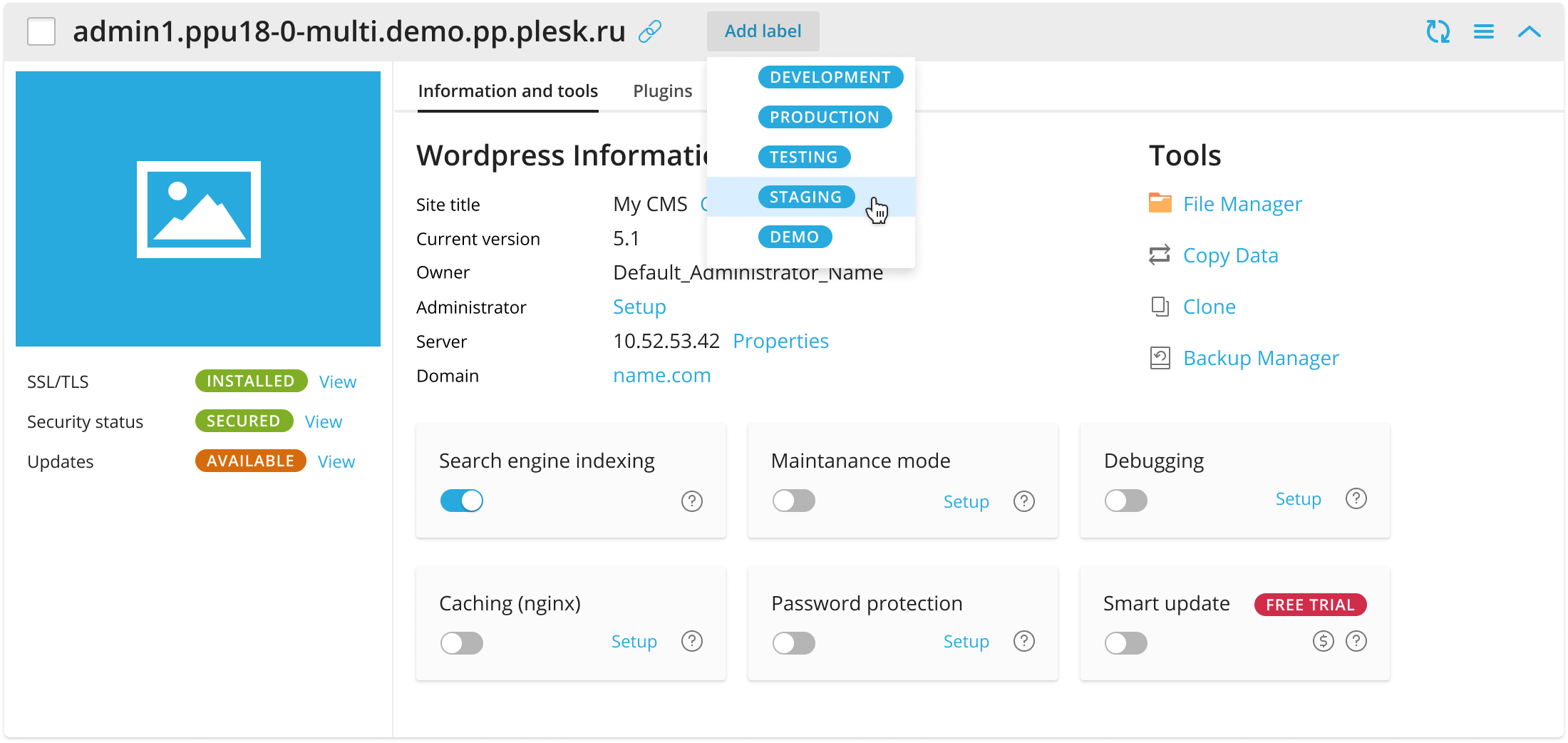
    Replaced large forms with cards for individual web resources.

  2. 02

    Grouped information and connected services into a clear structure.

  3. 03

    Added generated site previews for immediate visual identification.

  4. 04

    Restructured information and advanced interface accessibility practices.

  5. 05

    Contributed to the design system and component library.

04

Outcome

  • WordPress Toolkit became easier for people without deep technical knowledge.
  • WordPress Toolkit’s audience grew 1.8× in the first three months.
  • Similar card-based interfaces began appearing in competing products roughly six months later.

05 / What I took away

In professional products, I do not remove complexity. I structure it so users understand what is happening and what to do next.

Next case

JetBrains — research dashboards